See your space restyled
before you renovate.
Upload a photo of your room, describe the look you want, and get a photorealistic render in about a minute. Free — no subscription, no credit card.
One free render · Interior scenes only · Your prompts stay private
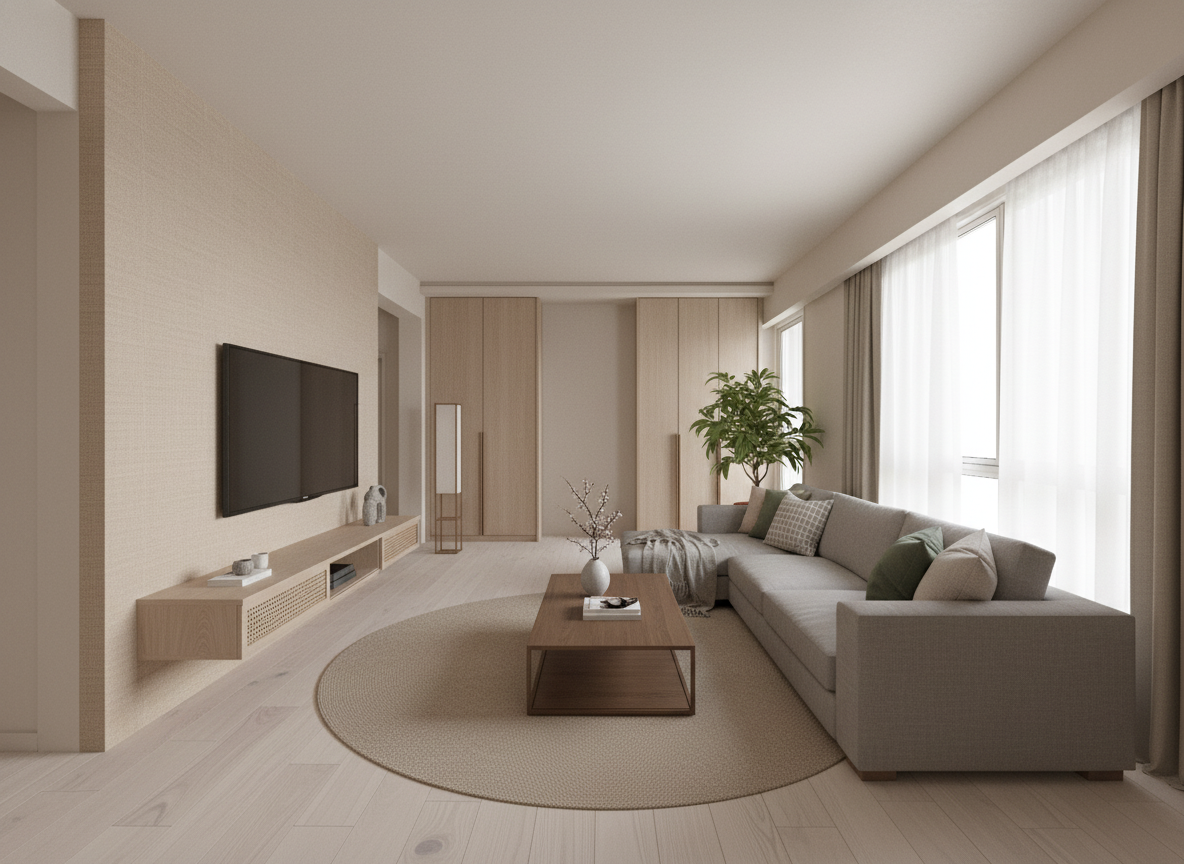
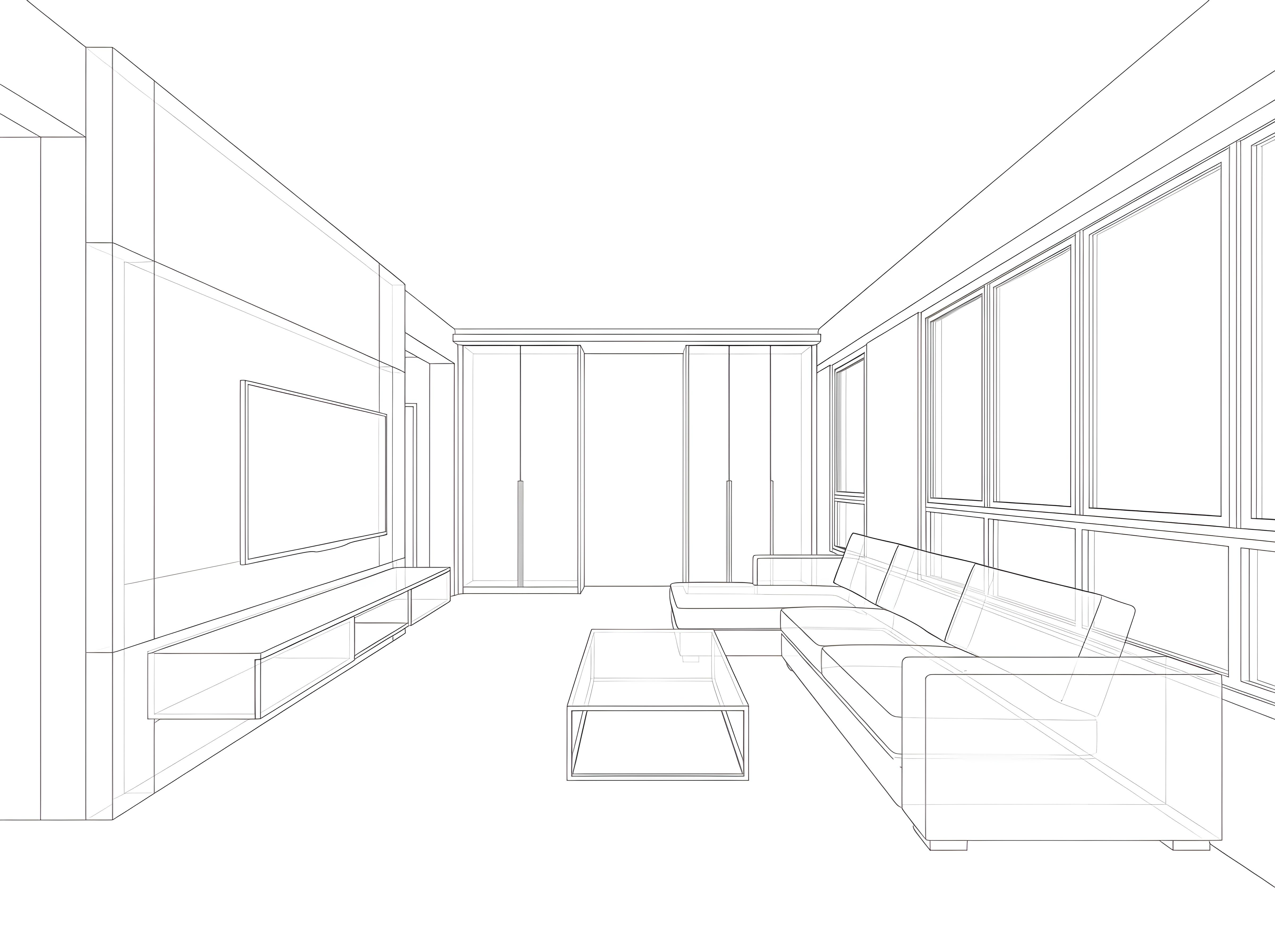
Drag the slider to compare — wireframe vs. AI render
How it works
Three steps to a photorealistic render.

Upload your reference
Floor plan, moodboard, or any room photo. JPG, PNG, or WebP up to 20MB.

Describe your interior
Tell us the style, materials, and mood. Our prompt filter keeps it design-focused.

See it, then build it
Your photorealistic render lands in about 60 seconds. Love it? Send it to a verified designer who can make it real.
Renders that go somewhere
AI renders are a great start.
Humans finish them.
When you're ready, we'll match you with a NETWORK-verified interior designer who can turn your render into a real-world plan — with accurate materials, costs, and timelines.

FAQ
Before you render.
How many renders do I get?
One free render per day, per browser — it resets at midnight SGT. It's enough to lock your direction; from there, a matched designer takes it further.
What kinds of prompts are allowed?
Interior design and architectural scenes only — rooms, styles, materials, lighting, furniture. Off-topic, explicit, or violent prompts are rejected automatically.
Why is there a watermark?
Every render you see is a NETWORK AI preview. Watermarks are baked into the image and can't be removed. Unmarked renders are only released to designers we match you with.
Will I be charged for anything?
No. The render tool is free. We make money when you hire a designer through NETWORK — not from your renders.
How accurate are the renders?
The AI is great for mood and direction, but not for structural accuracy. When you like a render, send it to a designer and we'll turn it into something you can actually build.
Love your render?
Talk to a designer.
A NETWORK designer will WhatsApp you within the day with real-world feedback on what's buildable, what it'll cost, and what to do next.